
Fayette County Library Public Computers: Plan One Document Task |
Fayette County Library public computers: check card-holder and guest time, prepare documents and verify printed or scanned results. |

Fayette County Library public computers offer a practical place to work on a document when a home device is unavailable. The useful first step is deciding what you need to finish, because a computer session, a print job and a scan each have different limits and preparation.
The library’s services guidance lists daily computer time of two hours for library card holders and a once-daily 30-minute guest pass for people without a card. That difference matters when planning a longer application or a multi-document task.
The computers have Edge, Chrome and Firefox browsers, along with Microsoft Office and LibreOffice. Bring the information needed for your task, but do not assume that a public workstation will have a specialist application or a setting matching your home machine. Prepare one manageable task |
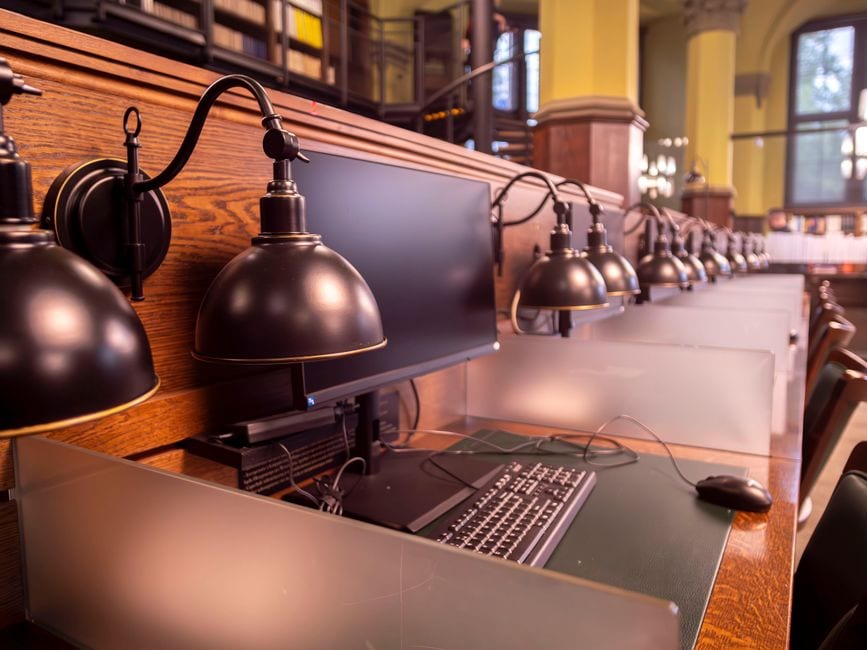 Illustrative stock photo of library workstations in Wrocław, Poland; not Fayette County Library. Photo by SHOX ART on Pexels |
Start with the document or service you actually need. Write down the correct organization and the steps still unfinished before the visit. If an application requires information from a separate record, gather that record first so the available session is not spent searching through unrelated messages.
Know how you will sign into any account you need, including access to its verification method. Keep passwords private and enter them yourself. If you ask for technical help, explain the screen or task without sharing credentials or asking someone else to make a personal decision for you.
Save work as you go using an appropriate destination you control. Check that the saved file opens and has a useful name before moving to a new task. A completed form on a screen is not automatically a submitted application; look for the receiving organization’s confirmation.
Our Fayette County PINES card guide covers preparing identification for a borrowing account. The computer-time rules distinguish card holders from guests, so ask staff which access option applies before settling into a lengthy job. Treat printing and scanning as separate steps |
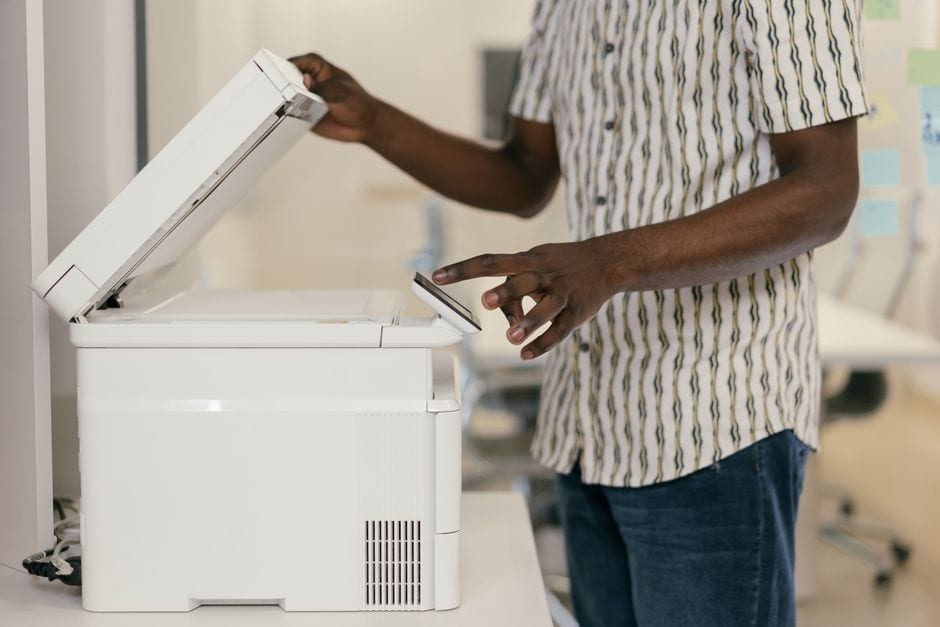 Illustrative stock photo of photocopier use; not Fayette County Library, its equipment or staff. Photo by Mikhail Nilov on Pexels |
If a printed copy is required, preview the page range and check the layout first. A partly blank page, clipped signature field or wrong version can waste the print allowance. The library’s guidance currently limits printing to 50 pages daily and specifies single-sided output on its own paper.
Scanning to email or USB is free under the posted service information. Confirm that every page is legible, in order and sent to the intended destination. Retain the original documents and check the resulting file rather than assuming the scanner captured the complete packet.
Our Tyrone Library printing guide describes another local service with its own preparation. Do not carry one library’s prices, equipment assumptions or collection process into another branch without checking.
Use the Fayette County Library page for current hours and contact information at 1821 Heritage Park Way in Fayetteville. Ask about the service you need before travelling, particularly when a deadline leaves little room for an unavailable workstation. Close the session deliberatelyBefore leaving, sign out of personal accounts and follow staff guidance for ending the computer session. Collect documents and removable storage, confirm any submission independently, and make a short note of what remains unfinished. A clear ending protects the work already done and makes a return visit more focused.
For a shared household errand, decide which person needs to attend and who holds the relevant records. Avoid making another person’s account or documents the responsibility of someone who lacks their permission and access. |
0 Comments
Join the conversation
Be the first to comment
Share your thoughts above.